How to Get Viewers Binge-Watching Your YouTube Videos
Give them a reason to keep watching
Hey,
On a recent client call, one number caught my eye.
6%.
That was the end-screen click rate on one of my client’s videos. His channel average was 1.1%.
More than five times the usual rate for the clickable video at the endscreen.
The video was a 15-minute violin vibrato practice session that you could follow along with.
When it finished, he pointed people to another lesson on learning the vibrato on a deeper level.
Someone who’d just spent 15 minutes working on their playing had a useful place to go next.
The second video already existed but we were now getting more out of the work he’d already done.
I like that kind of win.
You put a lot of thought into the idea, the title, the thumbnail, the hook and the edit to get someone to click and keep them watching.
But when you’re scripting, how much thought goes into what you’ll say at the end?
It’s easy to write “Thanks for watching. Like and subscribe. See you next time” and leave it at that.
Before you record, choose the video you want them to watch next and work out how you’ll give them a reason to click.
Without that direction, someone who was interested enough to keep watching is left to work out what to do next.
Usually it’s clicking straight back to the homepage where they may click on a competitor’s video.
That’s an expensive part of your video to get vague.
You’ve already earned their attention, you’ve had a chance to help them, they now know a little more about you and the thing you teach as they’ve made it to the end of the video.
What would help that person next?
That’s the question I’d use to choose your end-screen video when you’re in the scripting step of your next video.
If they’ve just learned how to squat, the next useful video might be a beginner leg workout they can follow along with.
If they’ve just learned a technique, they might want to practise it with you.
And if they’ve just practised it, they might want the lesson that helps them understand what they’re doing.
When you add a video to your end screen, you can choose “Most recent upload”, let YouTube pick “Best for viewer”, or select a specific video yourself.
It’s easy to choose the most recent upload and leave it there.
Your newest video isn’t necessarily the most useful next video for that viewer.
Choose the one that answers their next question and that might be something you filmed a year ago.
Then tell them why it’s worth watching.
For example, you could finish a tutorial with something like this:
“Now you know how to squat, let’s put it into practice. Follow along with me in this beginner leg workout.”
Then point to that specific video while its end-screen link is visible.
You’re helping them continue something they already care about.
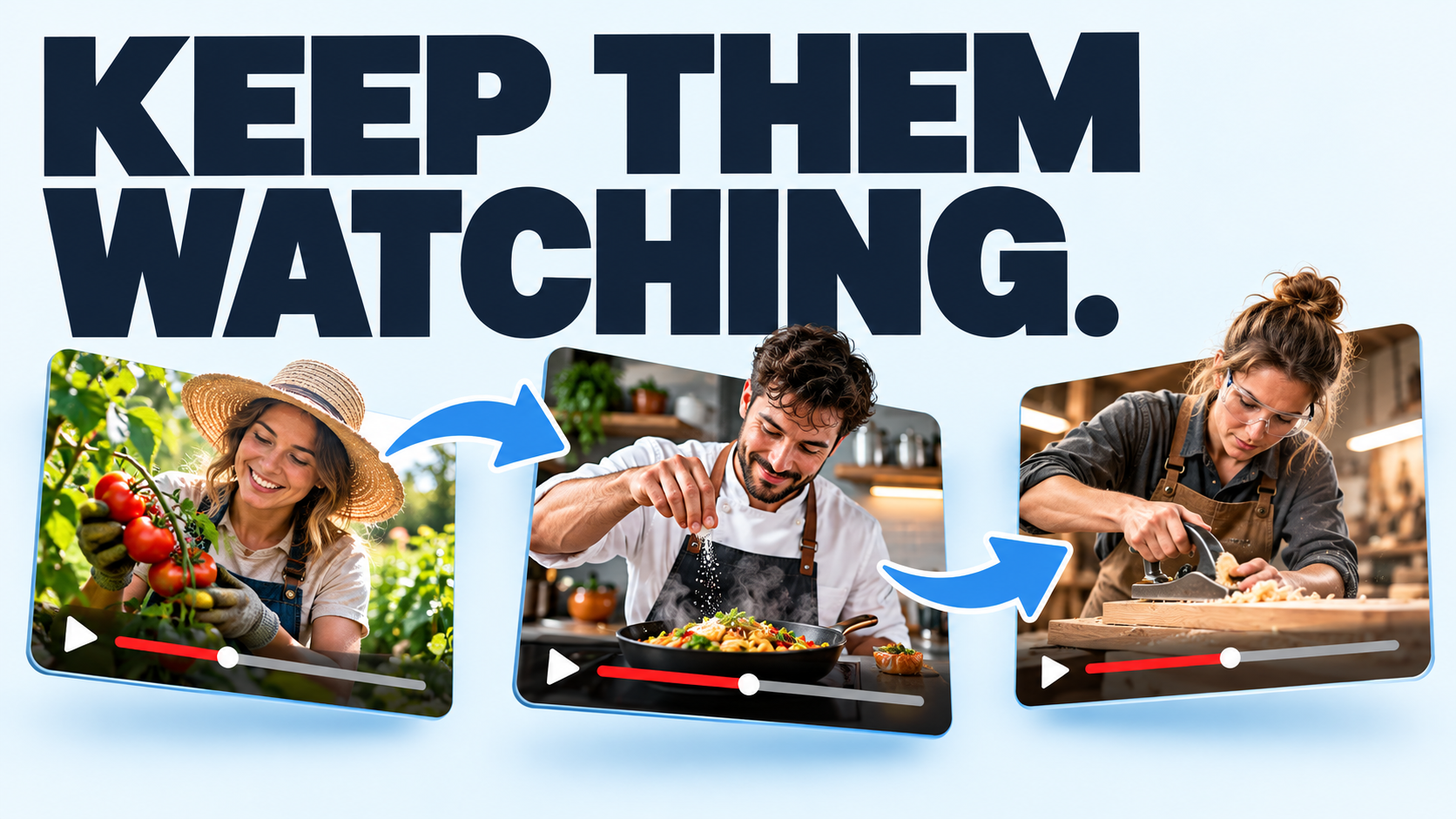
Do this across dozens of videos and you start building what I think of as a spider web, with useful connections giving people a reason to move from one video to another.
For the viewer, it should feel like they’ve got 99 pieces of the puzzle and the final piece is in the next video. When they watch that one, they understand more and can see the next piece they want to find in a third video.
Each video delivers on its promise, then opens up the next useful question.
That’s how you encourage binge watching and give your existing videos more chances to be seen. As people follow those connections, they can spend longer watching in one sitting, building session watch time.
And with each useful video, they get another chance to know, like and trust you. That can turn a casual viewer into a fan and make becoming a customer or client feel like a natural next step.
Start with the next video you script.
Choose an existing video that answers the viewer’s next question, then write your final lines to give them a specific reason to watch it.
When you record, that invitation will already be part of the script.
Once the new video is published and getting watched, check its end-screen click rate in the Engagement tab in Studio. It measures clicks against how often the end-screen elements were shown.
That’s where we found the 6%.
You worked hard to earn the first click, so give them a good reason to make the second.
Jamie
P.S. Before you write your next ending, watch this short video on why viewers leave before your video ends. It explains why a recap can send people away just when you want them to keep watching.

Put these ideas into practice.
Get The Million-View Blueprint, my free five-day email course to help you make better YouTube videos.
You can read all my previous newsletters here →
Keep reading
A weekly dose of The Creator Stream, where we learn to craft irresistible video ideas and supercharge your titles & thumbnails! Join over 1,750 Creators!