Your Video Editor Needs to See This Tip ASAP
The Al Tool Every YouTuber Should Use Before Editing
Hey,
I recently recorded a short video for my Click Lab community because I discovered an interesting new feature in Google's NotebookLM that is a huge help for creators.
I thought this was too good to keep just in the community, so I wanted to share this quick tip with you in the newsletter today!
If you don't want to read this newsletter, you can watch the short video here.
How To Solve Your Biggest B-Roll Editing Problem
One of the most persistent creative blocks for video creators and editors is figuring out what B-roll to use.
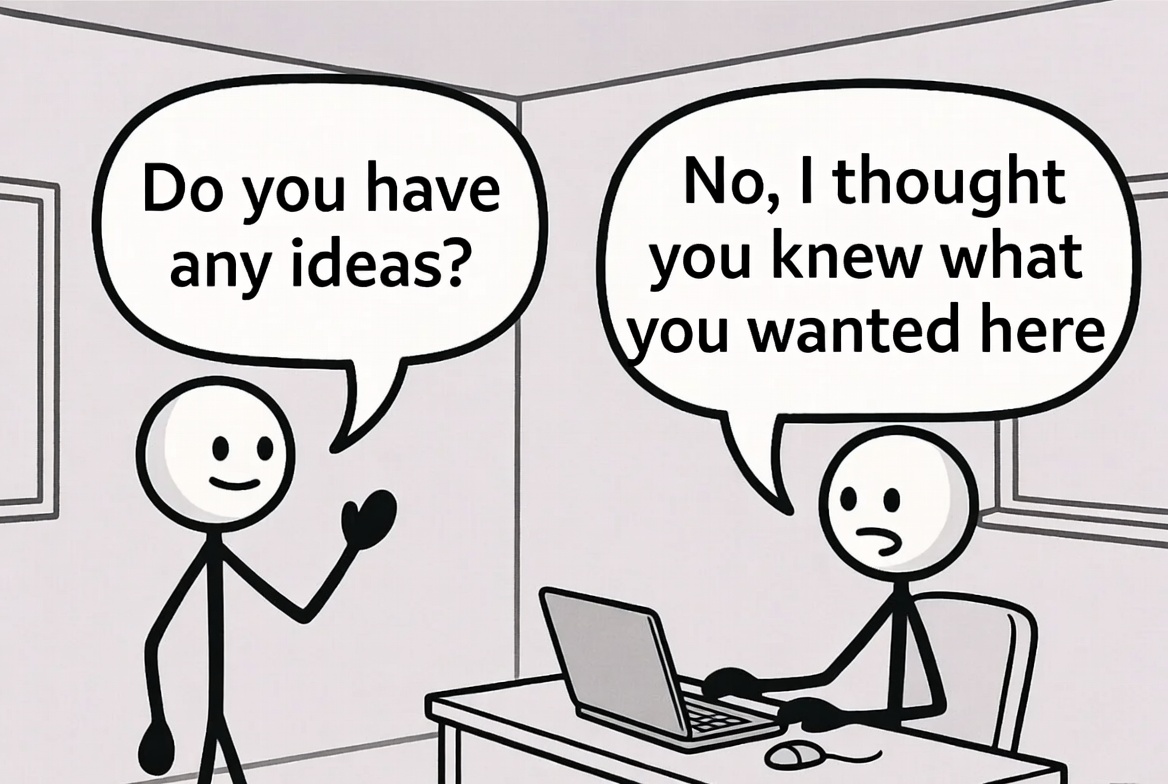
You know the feeling when you’re editing your video, and suddenly you hit a 30-second stretch where it’s just you talking to the camera.
It feels boring, the pacing drags, and you desperately need to show something visual on screen to keep the viewer engaged. But your mind is blank. You’re hoping your editor can come up with something, but they’re often clueless, too.
This visual communication breakdown is where the tool I just stumbled across can fundamentally change your workflow...
The Thing That Blew Me Away: Your AI B-Roll Mood Board
For those unfamiliar, NotebookLM is a powerful Google tool that acts as a personalized research and content creation assistant.
The magic is in the sources as you can upload various forms of information (text, documents, and even YouTube videos) to create a bespoke Large Language Model (LLM) based only on that content.
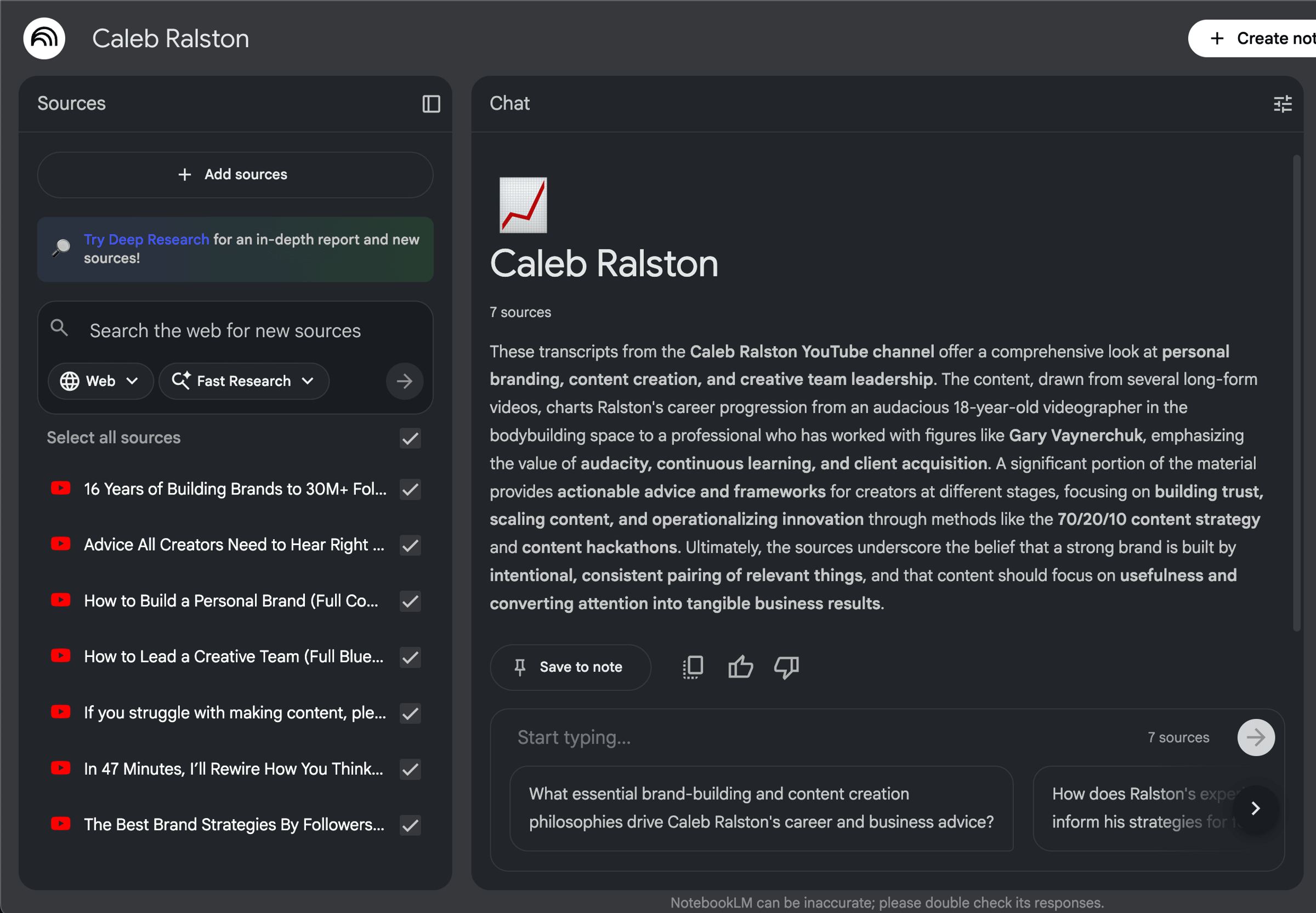
Their latest update allows you to now generate explainer videos based on your script.
So now, instead of struggling to articulate a visual metaphor, endlessly searching for a generic stock clip, you can upload your video script into NotebookLM.
The AI will then instantly generate a short, narrated explainer video that includes a series of accompanying AI-generated images.
These AI images act as a ready-made visual mood board and a powerful source of specific B-roll suggestions perfectly tailored to the words in your script.
- Bypassing The Editor Gap: It translates your verbal concepts directly into visual images, completely bypassing the frustrating back-and-forth communication process with your editor.
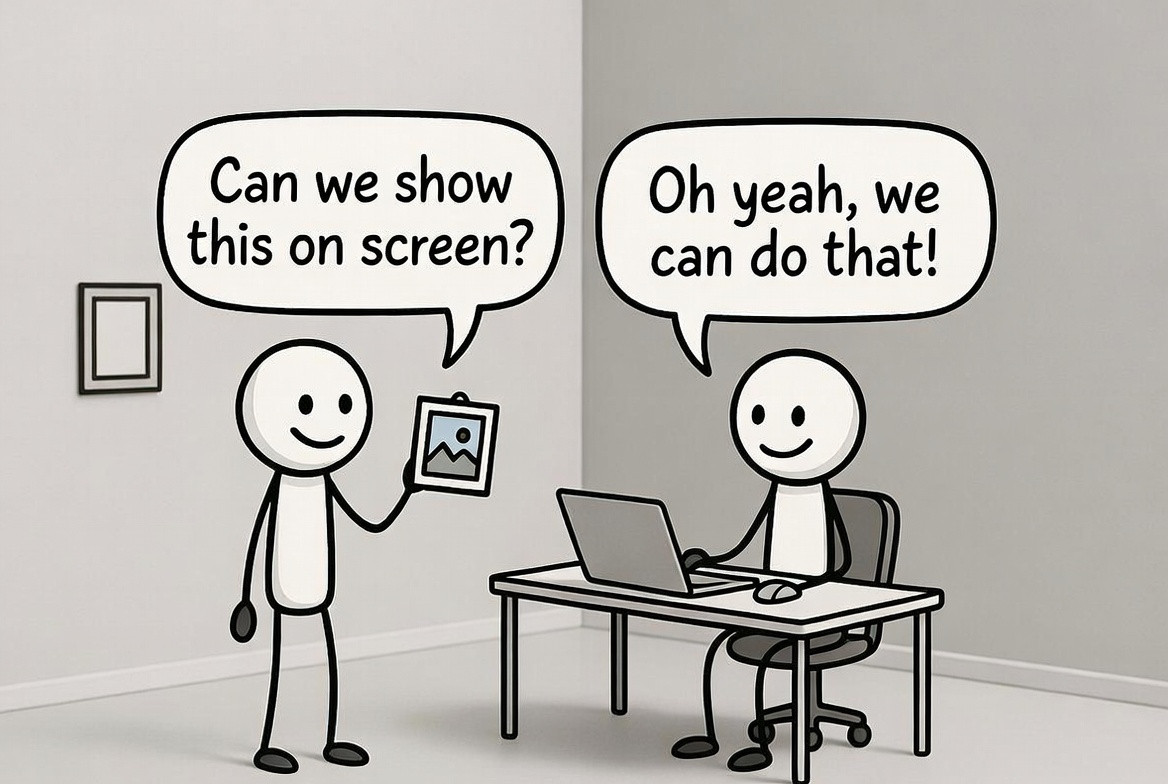
- Actionable Visuals: You can simply send your editor the AI-generated stills and say, "Let's show this image on screen" or "Can we create an animation that looks like this" before providing the image from NotebookLM.
Here's a Real Example: The "Shots on Goal" Metaphor
I uploaded my video script, and in it, I talked about how consistency with uploading more videos allows you to have "more shots on goal." I likened more video uploads to shooting more footballs at a goal, meaning you would learn more about your audience and ultimately grow an audience.
The AI generated this clear, compelling visual idea: a YouTube upload icon being shot like a football into a goal. This is what it looks like:
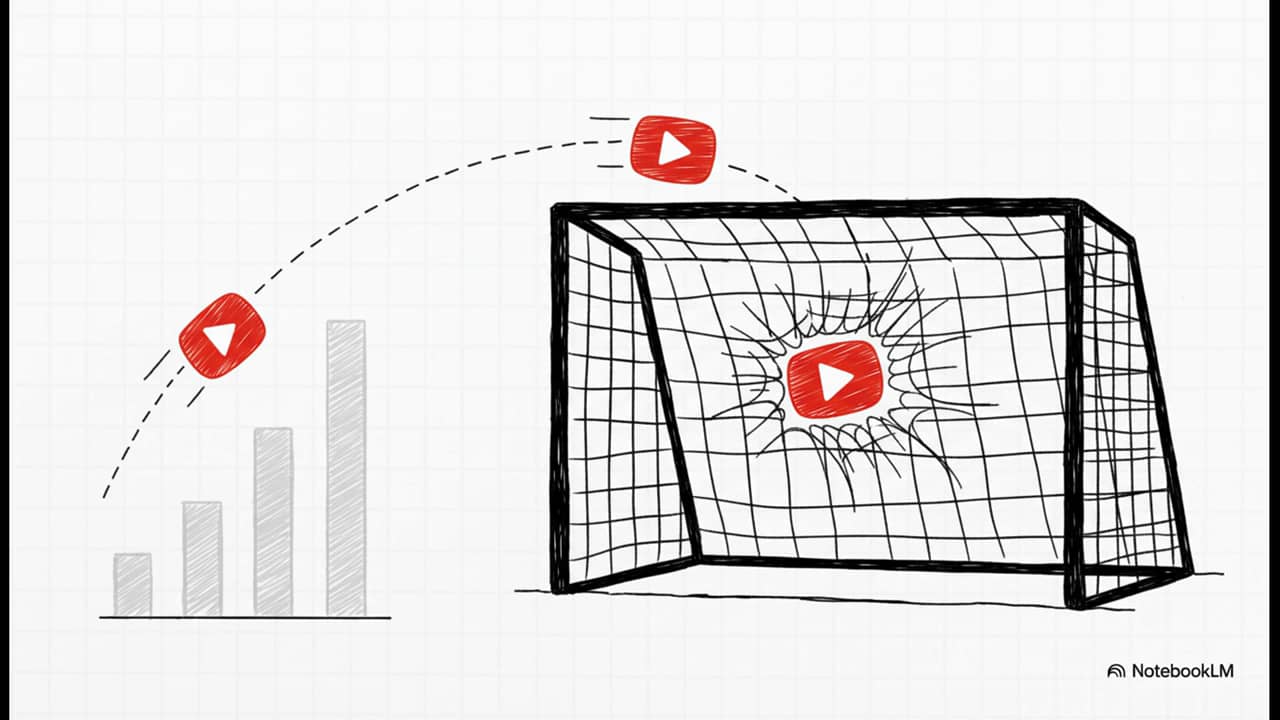
I never considered this visual metaphor despite me saying it verbally in the video, proving the AI can often generate ideas that neither you nor your editor would have considered.
Enhancing the Visuals
The AI is not always perfect and sometimes adds random elements to the images (like the bar chart in the above image), but if that happens, you can quickly use Photoshop or another AI tool like Grok or Gemini to remove those elements.
Another powerful idea that sprung to mind was to download the image, upload it to an animation tool (like Grok Imagine), and ask it to animate the image in a compelling way.
Here is what Grok made with ZERO prompting:
This allows you to take a static still and create visually compelling animations on screen, instantly making your video much more interesting to watch.
Speed Up Your Editing Workflow
Ultimately, this feature allows you to speed up your entire video editing process by providing instantaneous, script-grounded visual inspiration, eliminating the time-consuming B-roll mental block.
If you’re a creator or work with an editor and constantly struggle to find the right visuals for your videos, I highly recommend adding NotebookLM to your toolkit.
Have a good weekend!
Jamie
PS: If you loved the workflow in this newsletter but are still facing roadblocks, whether it's generating B-roll, refining your niche, or struggling to turn views into revenue, I'm here to help.
I offer personalized consulting to fix your strategy and get you more views + leads for your business. If you're interested to see if working 1-on-1 or joining Click Lab is the right next step for you, Book a call here.

Put these ideas into practice.
Get The Million-View Blueprint, my free five-day email course to help you make better YouTube videos.
You can read all my previous newsletters here →
Keep reading
A weekly dose of The Creator Stream, where we learn to craft irresistible video ideas and supercharge your titles & thumbnails! Join over 1,750 Creators!